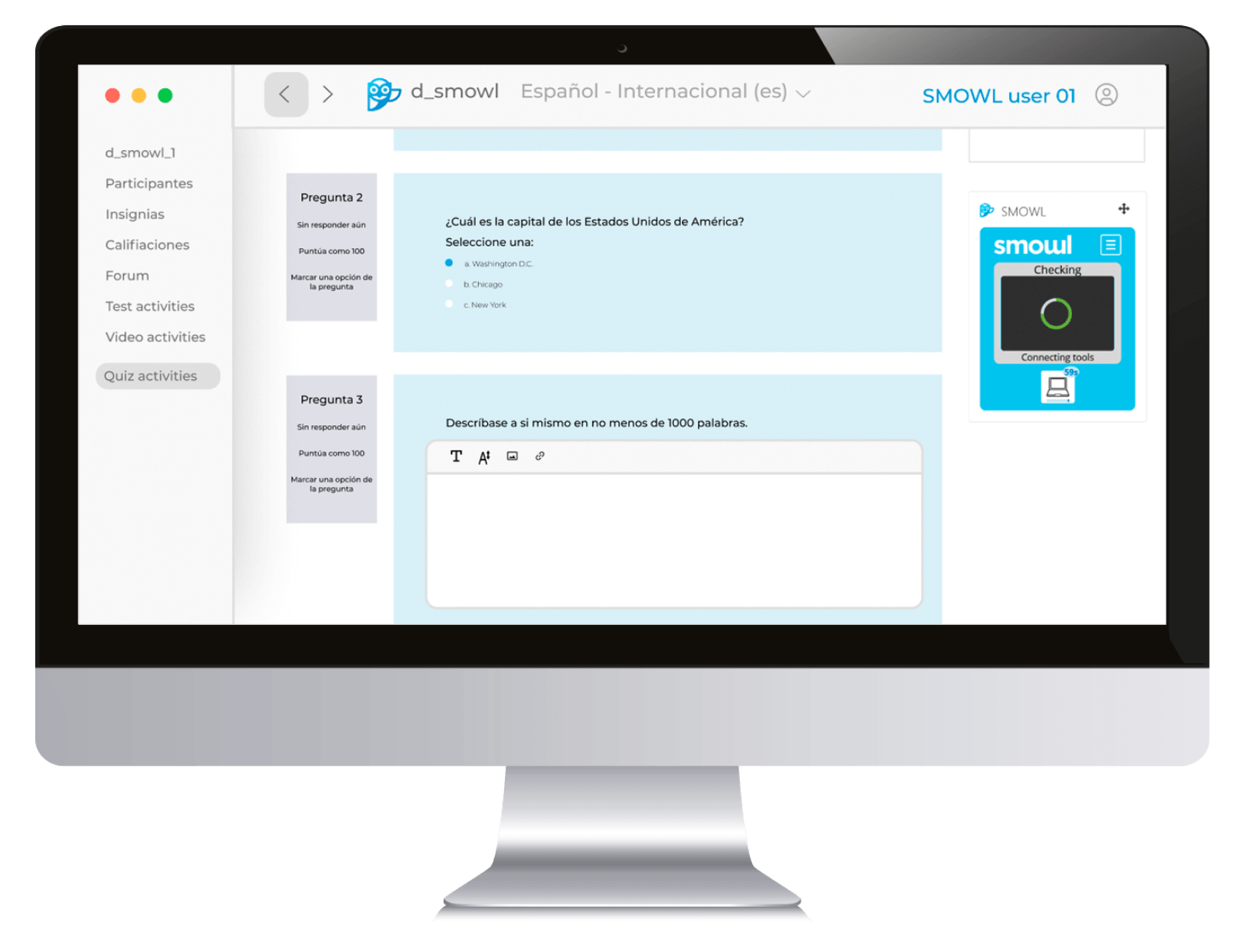
In this post, we explore why remote evaluation tools still aren’t ready for many students and what we can do to change that.
Not long ago, a college student reached out to tech support right before starting her online exam.
She had done everything right: connected the camera, set up her space, and closed all other apps. But something went wrong. Her screen reader wasn’t compatible with our monitoring platform.
She couldn’t read the instructions. She was literally stuck. And this isn’t an isolated case.
At Smowltech, we’ve spent years working to make online assessments accessible, secure, and seamless. But we know there’s still work to do.
Because designing products for everyone isn’t just a nice idea but a real necessity. Accessibility isn’t an added bonus. It’s a basic requirement for justice and equality.

Accessibility for students isn’t a box to tick — It’s about dignity
Millions of students around the world live with visual, auditory, motor, cognitive, or neurodiverse conditions. Yet many proctoring platforms still fail to consider how these students navigate, communicate, or process information.
And the consequences are real:
- A blind student might be penalized for using a screen reader out loud.
- An autistic student could be flagged for “suspicious behavior” for not making eye contact with the camera.
- A student with anxiety might underperform simply because they know they’re being recorded for two straight hours.
These aren’t minor glitches; they’re barriers to education.
Technology, when poorly designed, can exclude. And when it excludes the students who need the most support, it fails at its most fundamental purpose.
What we’ve learned about digital accessibility as a team
Accessibility isn’t an afterthought; it’s a starting point. It’s about building better products from the start. It’s about designing from diversity, not from the “norm”.
This means rethinking many aspects of design, content, and user experience:
- Can everything we build be navigated by keyboard?
- Are our instructions clear, direct, and free of unnecessary jargon?
- Can users zoom in, change contrast, or have questions read aloud?
- What happens when AI flags a behavior that’s actually a legitimate need?
Often, the answers don’t come from manuals but from people. That’s why we run usability tests with real users. Because no interface can truly be called inclusive if those who need it haven’t tested it before launch.
This mindset has taught us to listen more and assume less. It’s helped us uncover blind spots, literally and figuratively, that only become visible when someone on the other side of the screen feels safe enough to say: “This doesn’t work for me. This leaves me out.”
8 interesting facts about proctoring
Fill out the form and download the guide where we cover everything about online monitoring and help you choose the best software.
Rethinking student accessibility: designing with diverse learning needs in mind
One idea that continues to inspire us is universal design — not building for the average user, but for those who need the most support. Because if something works for a student with dyslexia, it’ll likely help someone studying in a hurry, in a different language, or in a noisy environment.
If a platform works for someone with limited mobility, it will also be useful on an old smartphone or a poor Internet connection.
True accessibility doesn’t divide — it unites. It improves the experience for everyone, not just a few. What’s essential for some ends up being helpful for all.
This shift in thinking is not just technical but cultural. It’s understanding that inclusion isn’t about ticking boxes; it’s about building trust. The real value of a tool lies not just in what it does, but in how it makes users feel.
Accessibility in online learning: what we’re doing and what’s missing
At Smowltech, we’re not perfect, but we are committed. We align with standards like WCAG 2.1 and EN 301 549, which are not just legal requirements but valuable frameworks for ongoing improvement.
We’re working on several fronts:
- Making our platform more compatible with screen readers and assistive technologies.
- Adding personalized settings so users can adapt their experience.
- Improving AI systems to avoid penalizing valid behaviors tied to neurodivergence or medical conditions.
- Training human proctors in empathy, diversity, and how to handle special situations appropriately.
- Applying both automated and manual accessibility tests in every product update.
But we know there’s more to be done. We need smarter, more empathetic systems, self-assessment tools for accessibility, tailored guides for students and educators, and above all, ongoing conversation with the education community.

What’s next for student accessibility in EdTech?
Regulations are changing. In Europe, the European Accessibility Act will be a game-changer. It requires tech companies to ensure their digital products and services are accessible. But beyond compliance, there’s something more powerful: the trust we build with each user who feels seen, heard, and respected.
The future of proctoring isn’t just secure or efficient. It’s inclusive.
And that doesn’t come from adding one new feature. It comes from a new way of thinking — about design, about people, about what success looks like. “Works for most” isn’t good enough anymore. It has to work for everyone.
Student accessibility: where do we start?
Sometimes, the answer lies in the small things: A button that can’t be clicked with a keyboard. An alert that shows up without a clear explanation. An error message that blocks the entire exam with no backup option.
But the answer is also in the big things: in how we design. In what we prioritize. In whether we ask, from the beginning: “Will someone with a disability be able to use this too?”
If you believe, like we do, that online education should be for everyone, then we’re on the same path. Because no one should feel incapable because of a poorly designed tool.
Because building products with that one student in mind — the one who couldn’t even start her exam — isn’t a special case.
It’s just the right thing to do.